
Sepetinizde herhangi bir ürün bulunmamaktadır.
Dilerseniz hemen mağazamızdaki ürünlere göz atabilirsiniz.


Elevated Design & Experience
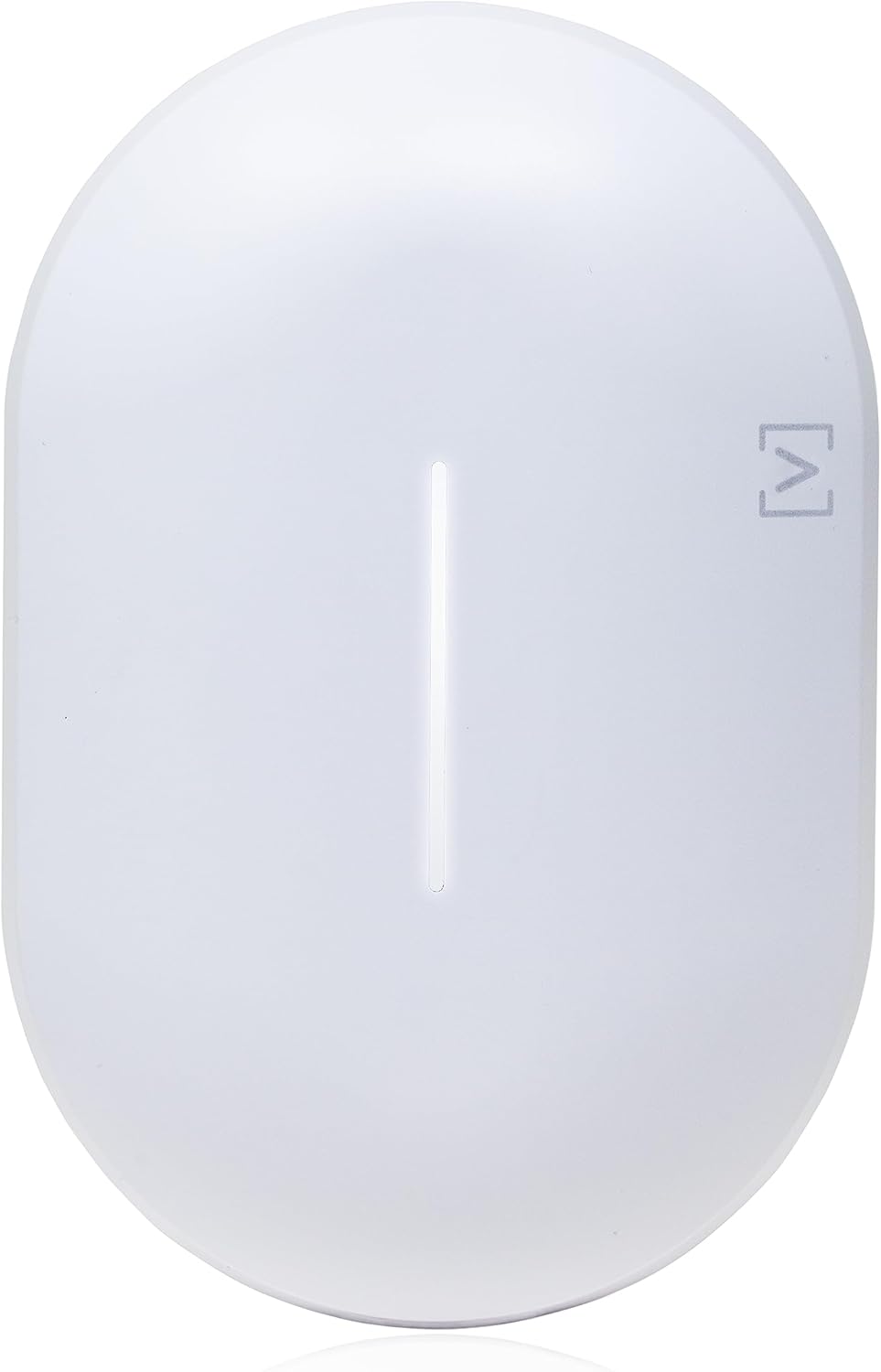
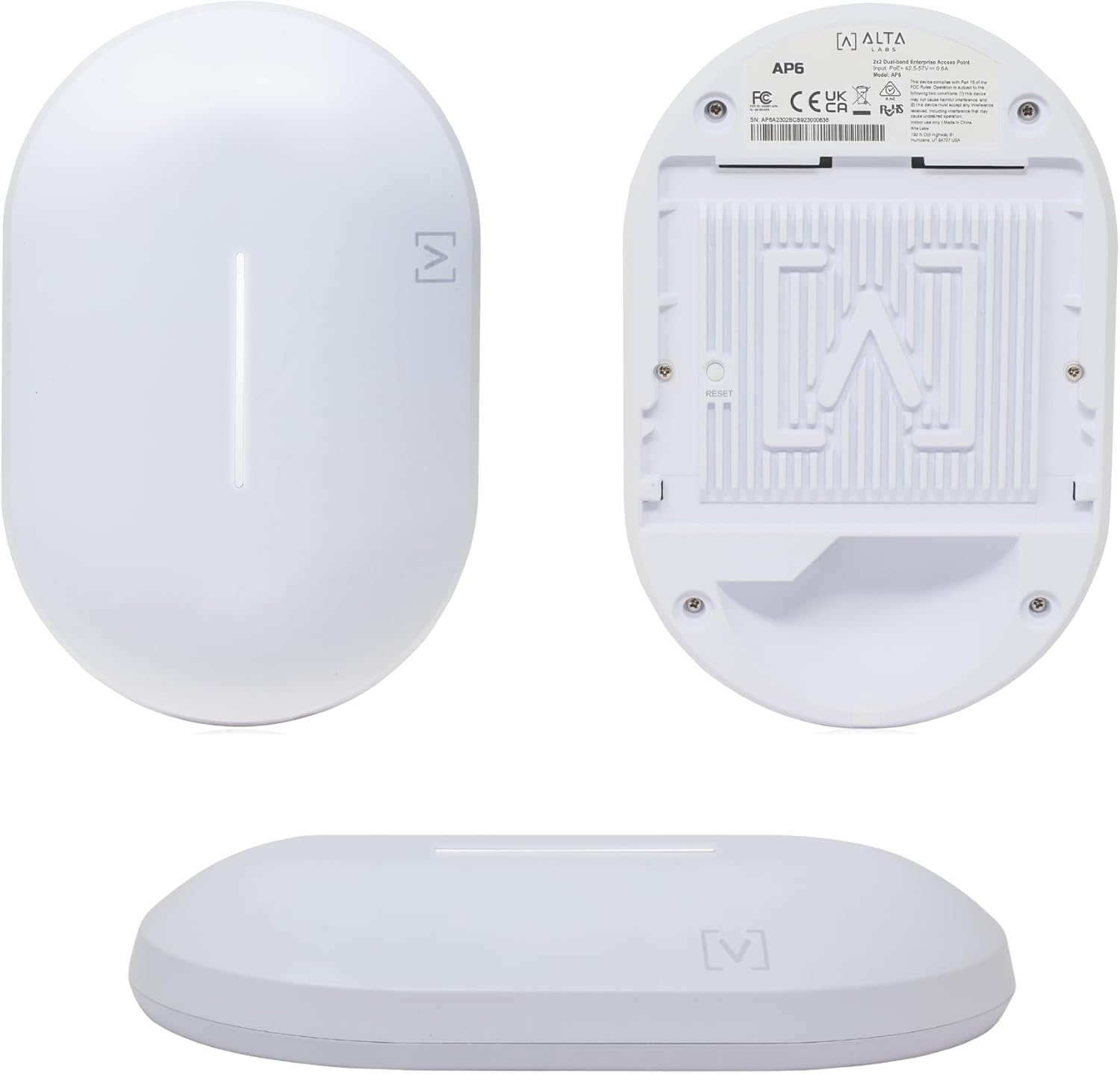
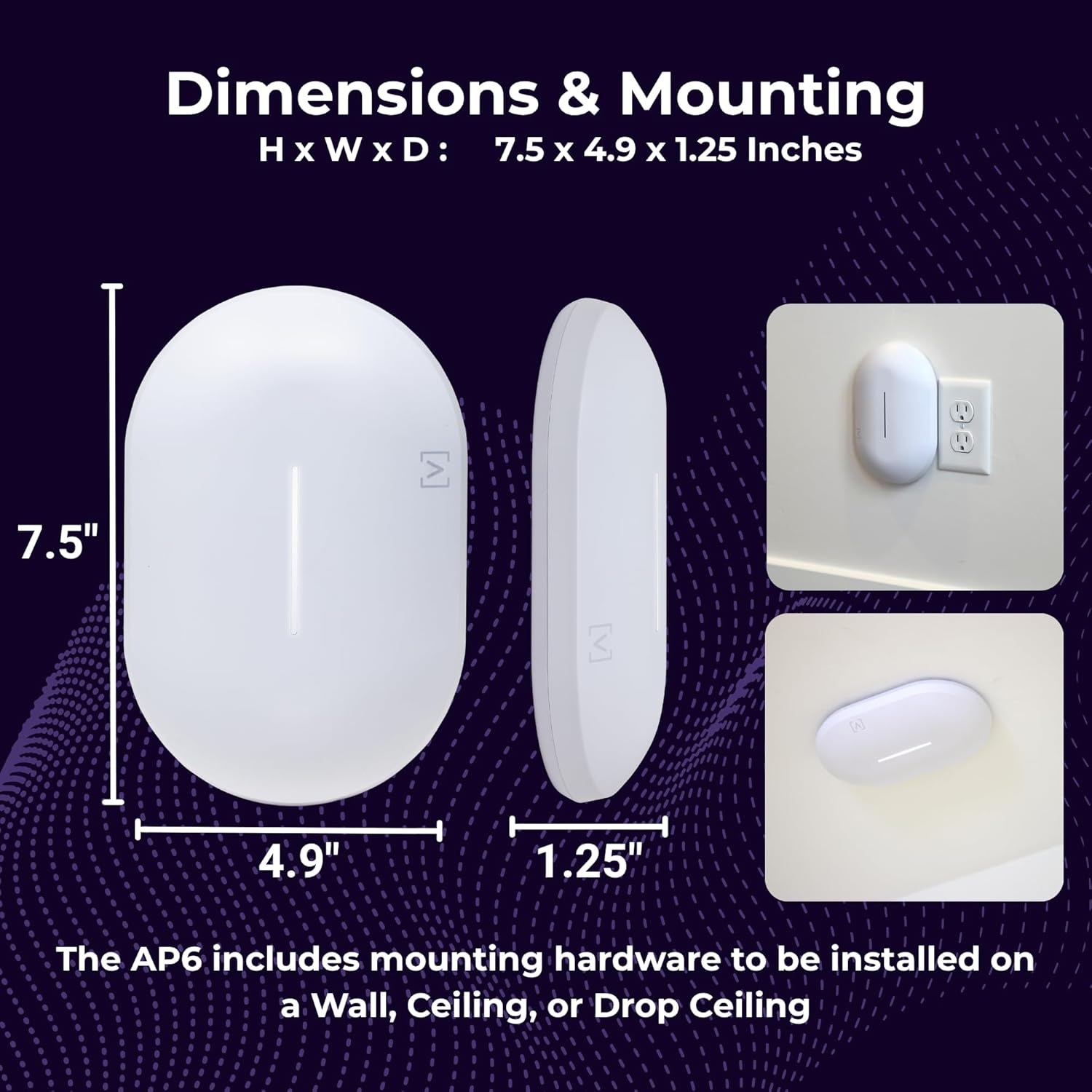
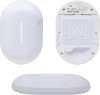
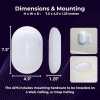
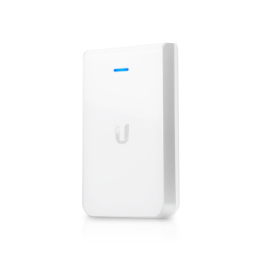
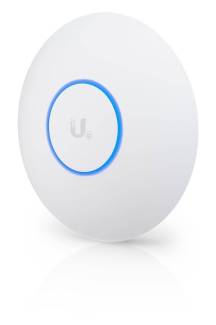
The Alta Labs AP6 Access Point features a compact form factor and a sleek aesthetic design allowing seamless integration into corporate, commercial, and residential environments.
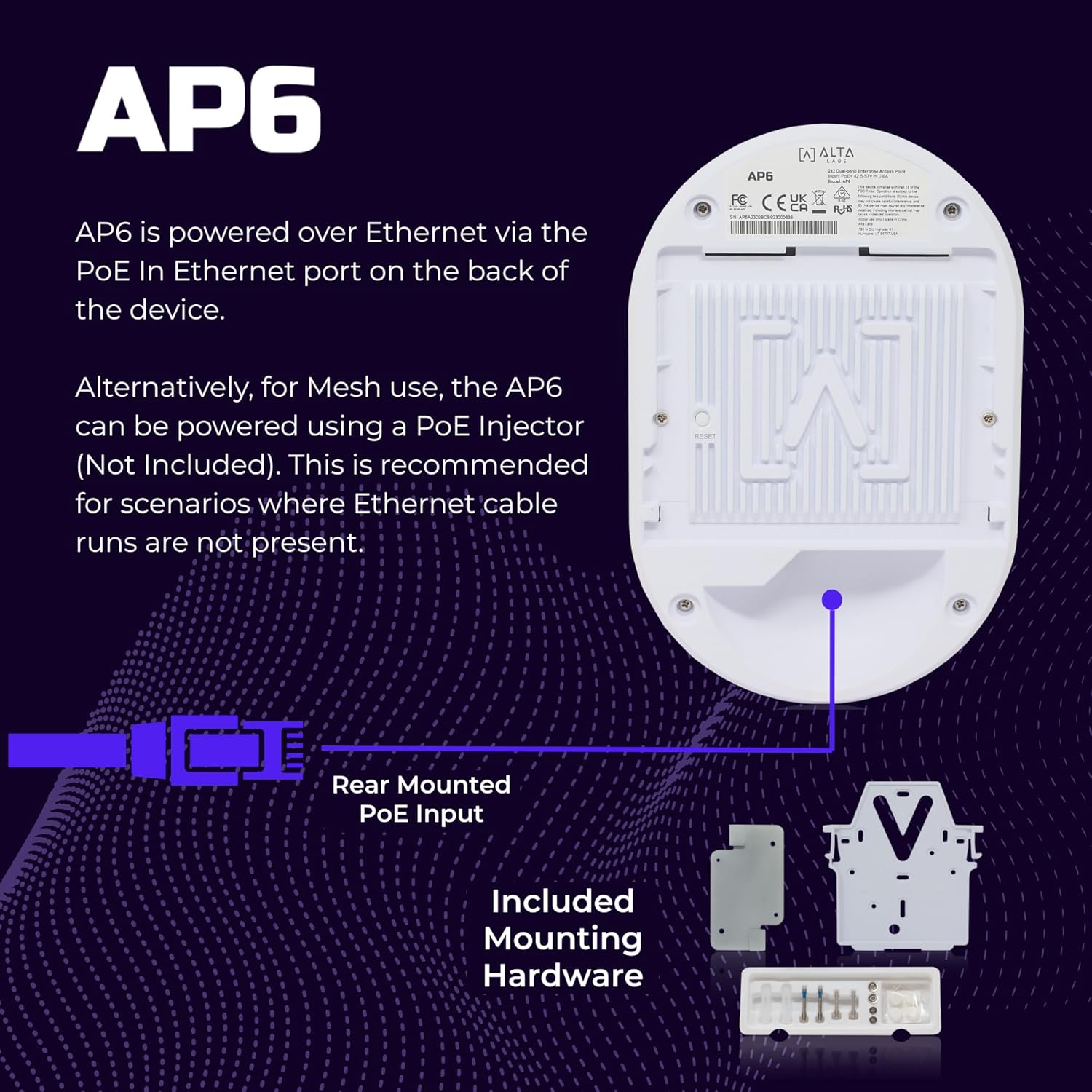
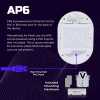
The AP is powered over Ethernet for simple, clean installation. Versatile mounting hardware is included featuring our proprietary QuickMount™ technology for quick, simple mounting.

Mesh Connectivity
The AP6 features Mesh technology, which can extend your WiFi network to areas that may be difficult or unreachable with wired Ethernet.
High Performance WiFi 6
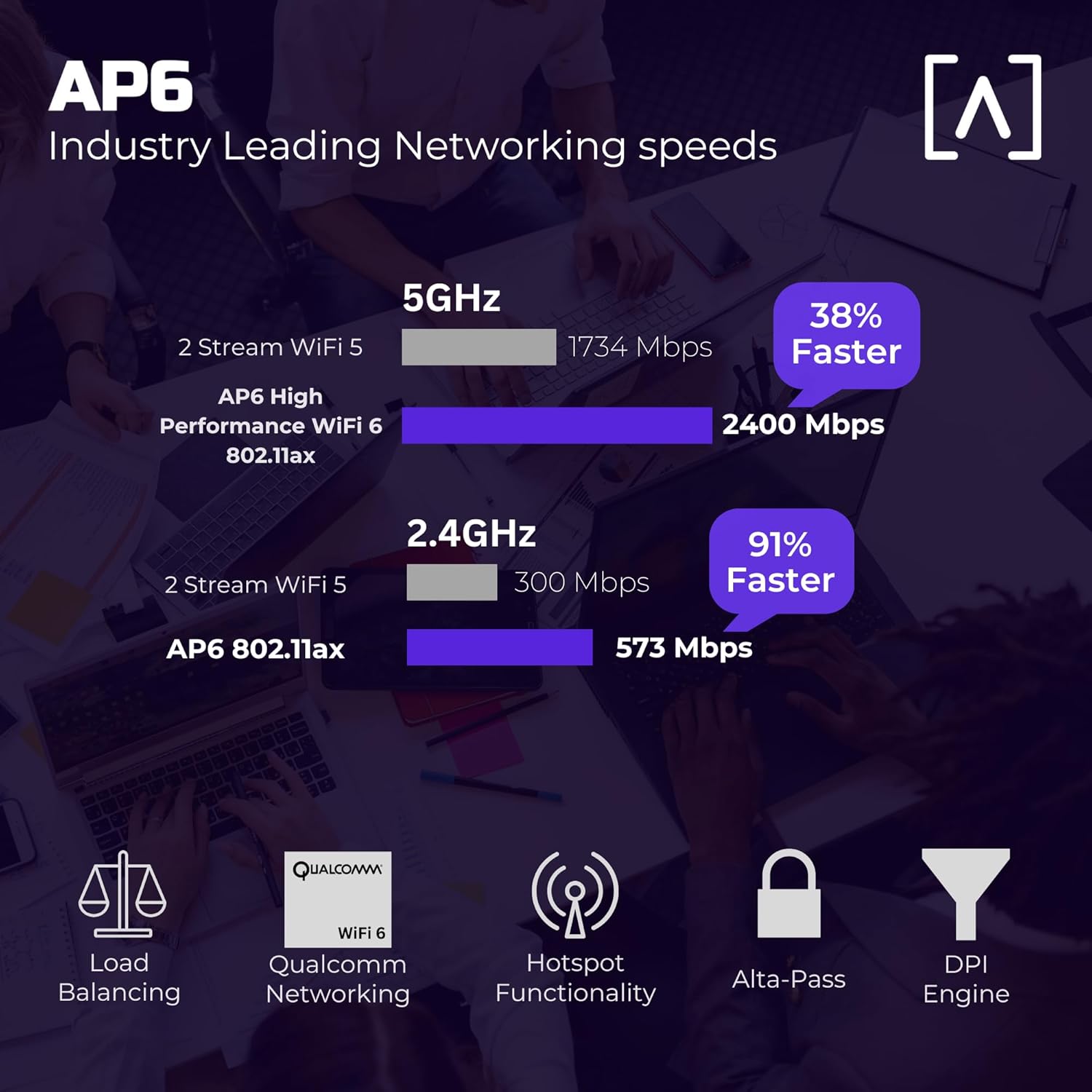
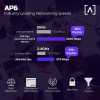
Built on Qualcomm's dual-band, 4-stream WiFi 6 networking platform, the AP6 delivers optimal 2.4 GHz and 5 GHz WiFi 6 performance.


Superior Range and Performance
Our proprietary antenna design provides superior range and performance. Engineered by a team with extensive WiFi design expertise, the AP6 provides seamless roaming and advanced traffic management to ensure a superior WiFi experience.
Scalable Cloud-Based Management
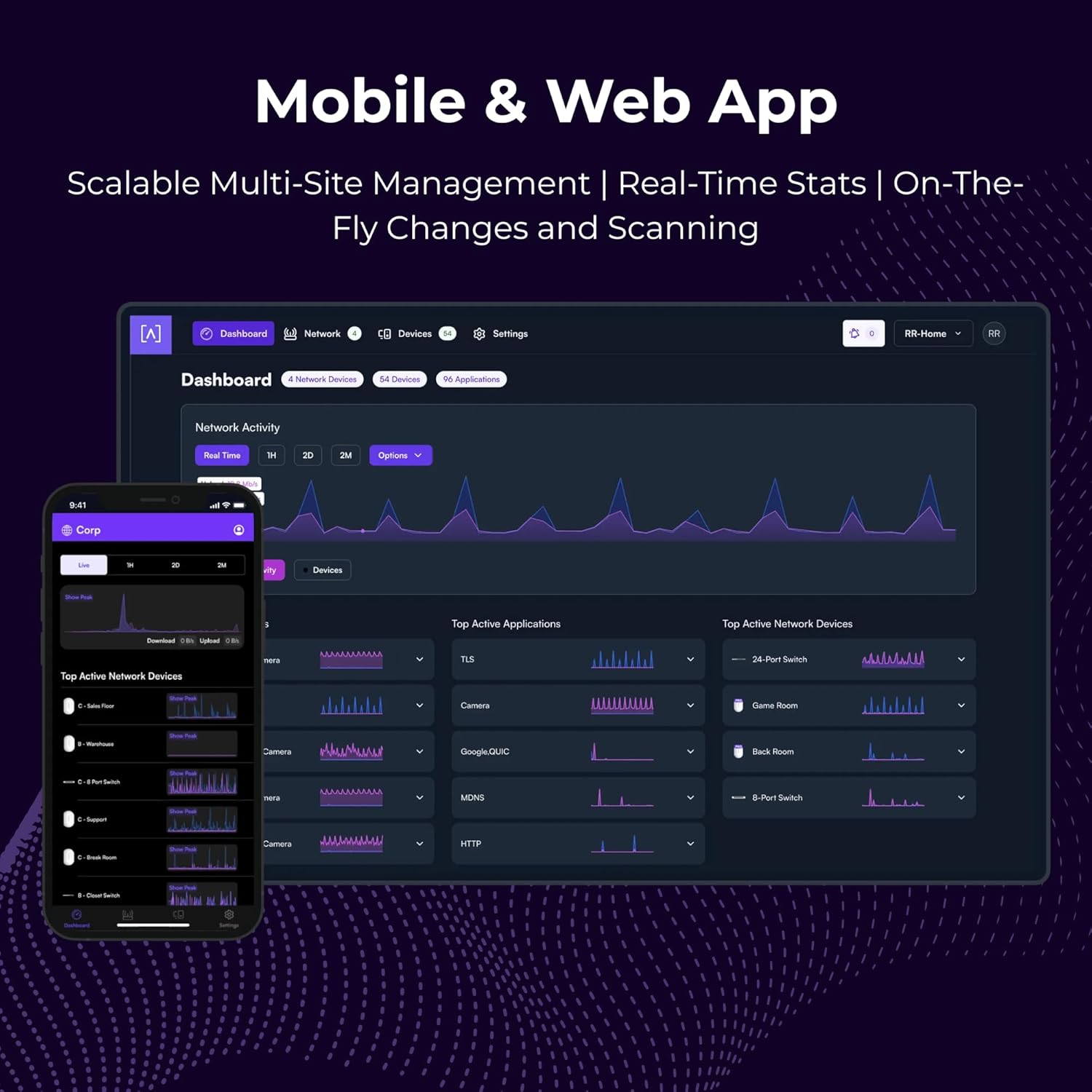
Alta Labs provides an intuitive and easy-to-use cloud-based management interface for Alta Labs access points and switches. Designed for optimum scalability using a high-availability architecture for the ultimate in convenience and worldwide accessibility.
Built on a worldwide content delivery network to optimize response and latency, our global cloud infrastructure ensures geographically optimized connectivity through our redundant network.
Deploy and manage multiple sites quickly and easily. Add, delete, or rename sites instantly. Toggle between sites from a site selection drop-down. Each site contains its own data set.

Advanced Filtering - DPI Engine
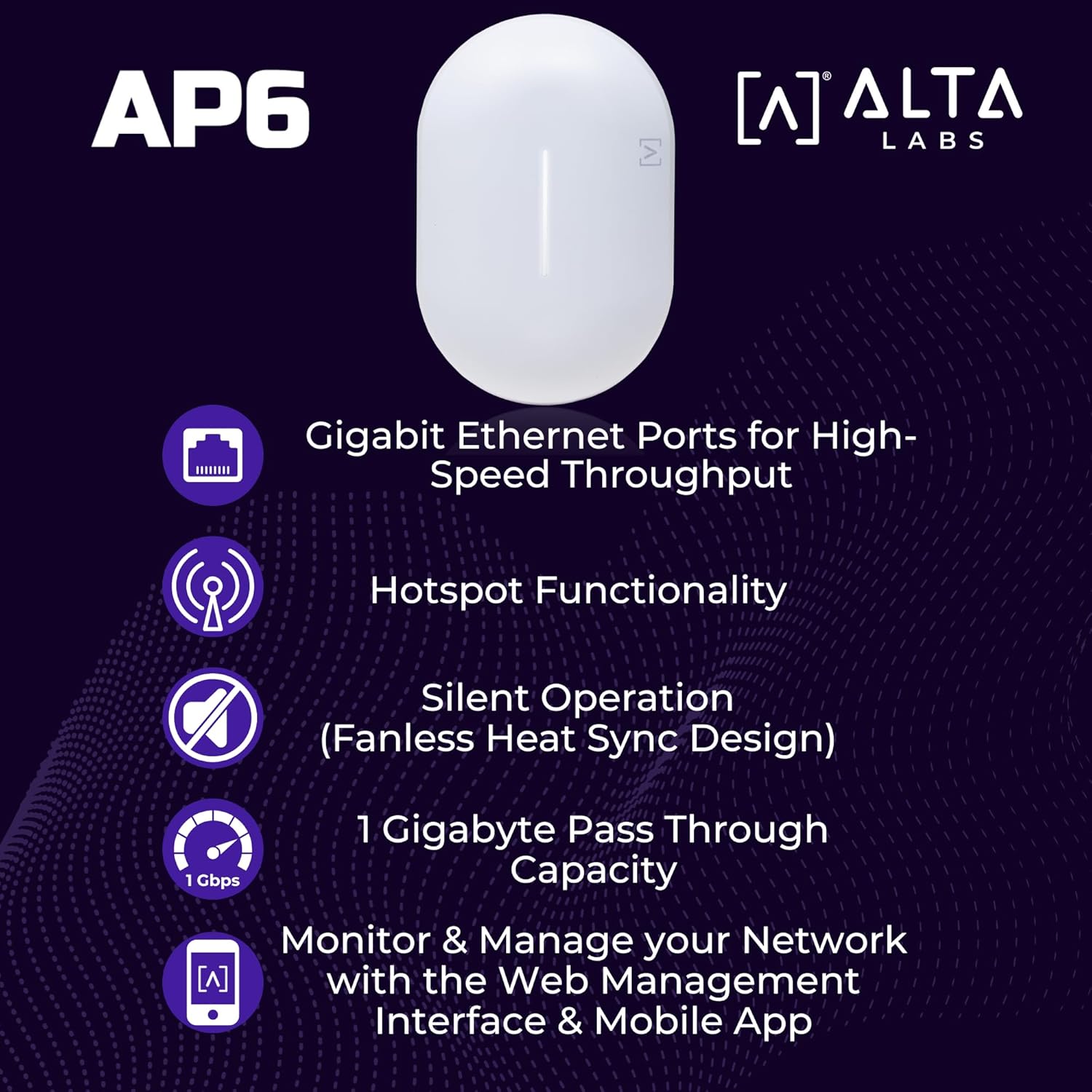
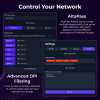
The Alta Labs access points have a powerful built-in Deep Packet Inspection (DPI) engine.
By incorporating this feature directly in the access points, there is no need to purchase additional hardware to take advantage of this powerful tool.
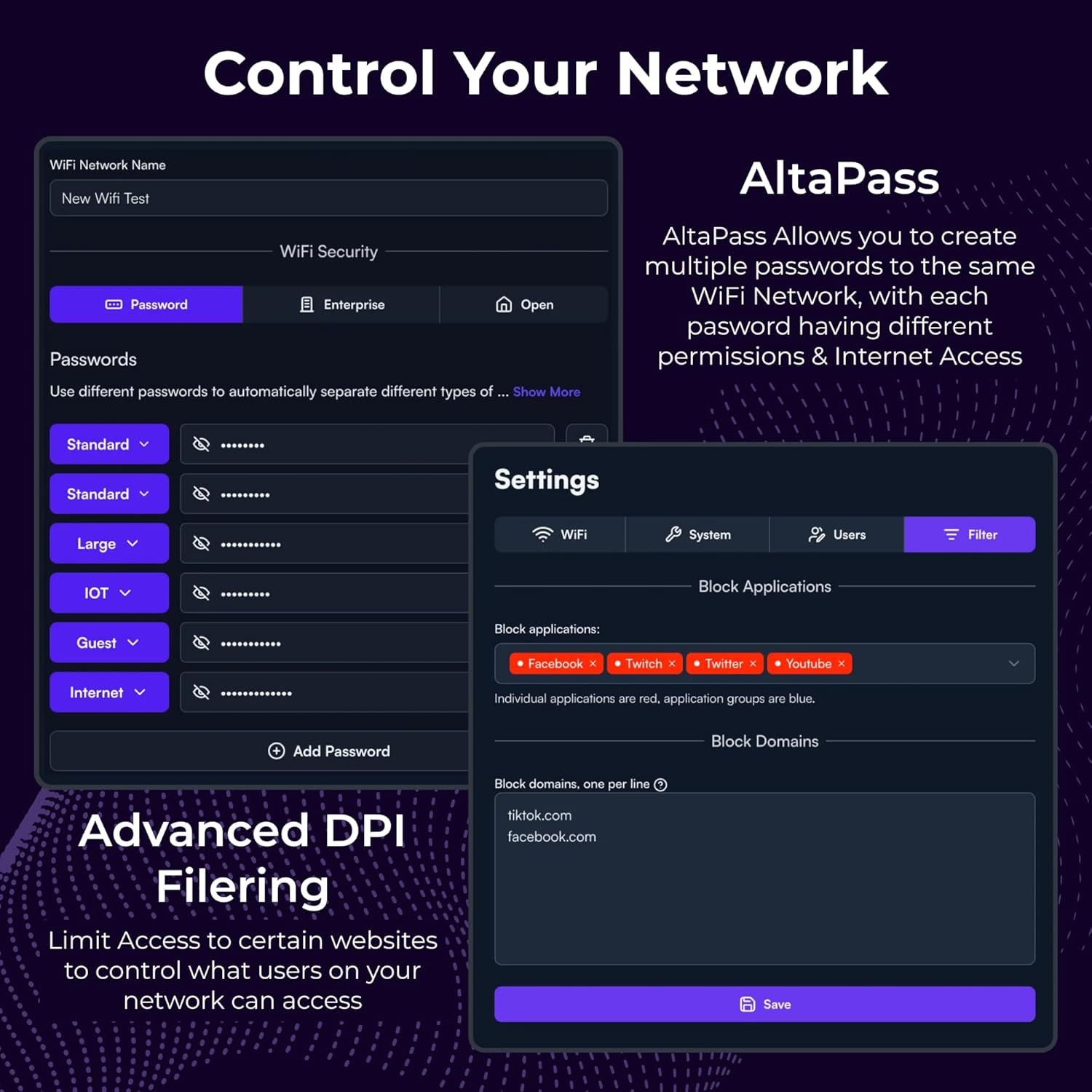
- Restrict access to websites, applications, or application types. Filter settings are easily applied in the Alta Labs web management interface.
- Select applications or application types in the Block Applications drop-down menu.
- Block websites by typing in their domain names in the Block Domains field.
Mobile App
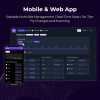
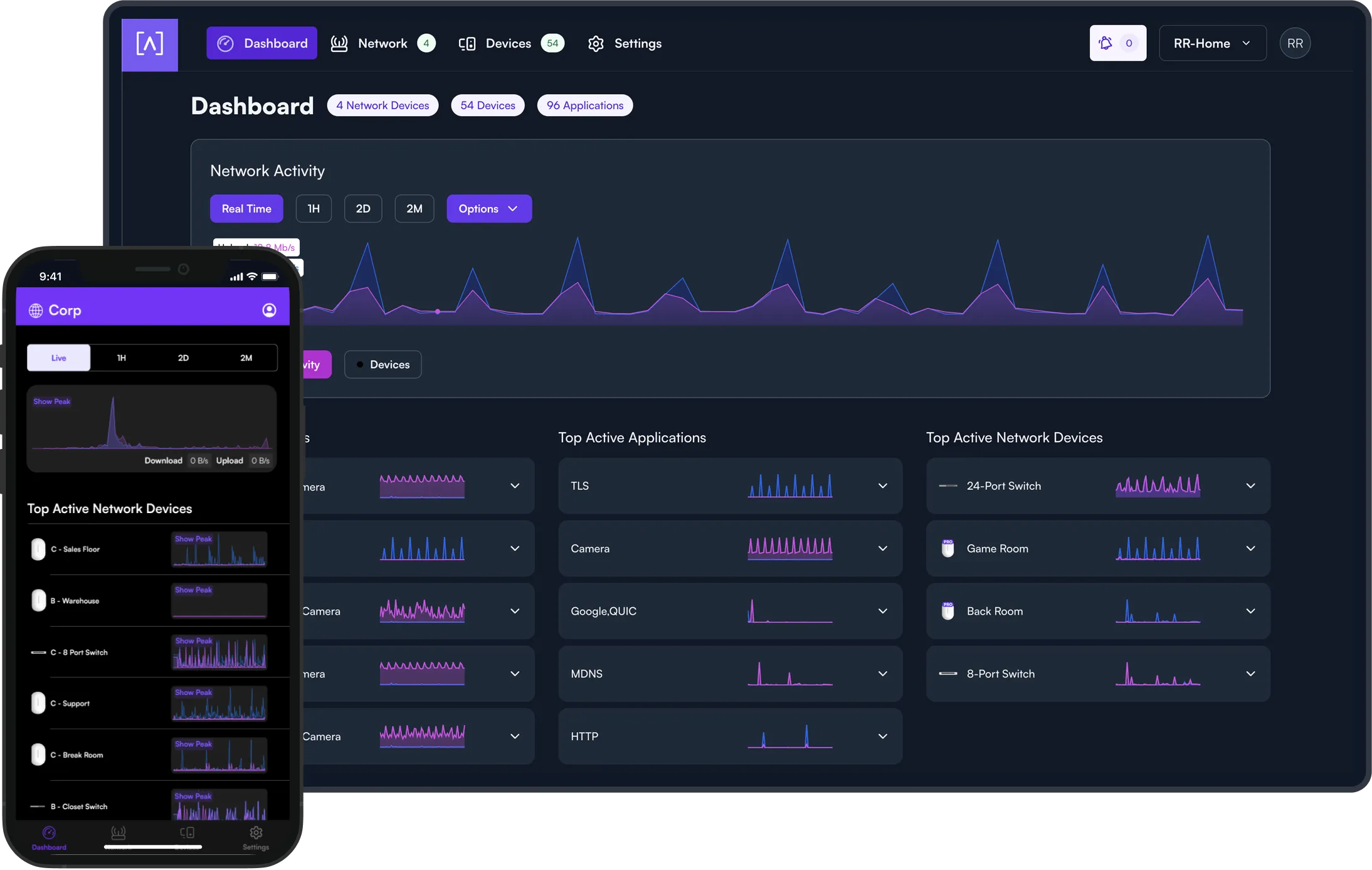
Monitor and manage your networks from the convenience of your mobile device using the Alta Networks app. Sign up for an Alta Labs account using just your name, email, and password or sign in using your Google or Apple account.


AltaPass™ Multi-Password Technology
AltaPass is a unique Alta Labs feature that allows clients to connect to the same wireless network SSID using different passwords. Clients are provided with different network and internet access levels based on the password they use to connect to the network.
When a password is created, select from one of the predefined standard use cases. The password can then also be associated with a specific upload or download rate, a VLAN, or set to bypass the filtering rules, the hotspot functionality, or to ignore the schedule.
- Standard/Small - Typical network with less than 100 WiFi clients/devices
- Large - Optimized for hundreds to thousands of WiFi clients/devices
- IoT - Restricted to Internet and local incoming connections only
- Internet only - Restricted to Internet only
- Guest - Restricted to Internet and IoT devices
Hotspot Functionality
Built-in functionality to create your own local hotspot with a logo, title page, terms of service, and a final landing page.
You also have the option to redirect to an external captive portal.


On-The-Fly Changes and Scanning
- Configuration changes do not require a reboot of your network. Changes can be made without taking your network down.
- Scan your AP environment without disrupting your WiFi network.
Wireless Network Color Coding
Patent pending functionality that allows you to assign groups to wireless SSIDs and then assign membership to wireless access points.

SSID Broadcasting Flexibility
In addition to standard functionality such as hiding your SSID, you can continue broadcasting your SSID during a “scheduled off” event.
This provides network admins with the ability to grant users additional time on the network. A user can request access via a captive portal displayed when they try to access the network.
Status Snapshots
View upload and download throughput with a visual timeline on the dashboard for each AP displayed along with the number of connected devices, average processor load, channel load, and average connected devices.
Select a snapshot of the last minute, last hour, last two days, or last two months.
Customizable Dashboard
Customize your dashboard with the information you want to see: IP address, Load, number of devices, MAC address, firmware version, wireless network color assignment, and real-time status details. Details are sortable by column.
Device Cards
Easily view connection details and configure your access points or client connections by clicking the device icon.
JettyCart E-Ticaret Yazılımı ile Hazırlanmıştır.
Yorum yapmak için üye girişi yapmanız gerekmektedir.